Your health is personal. Keep it
that way.
Build better habits without handing over your health history.
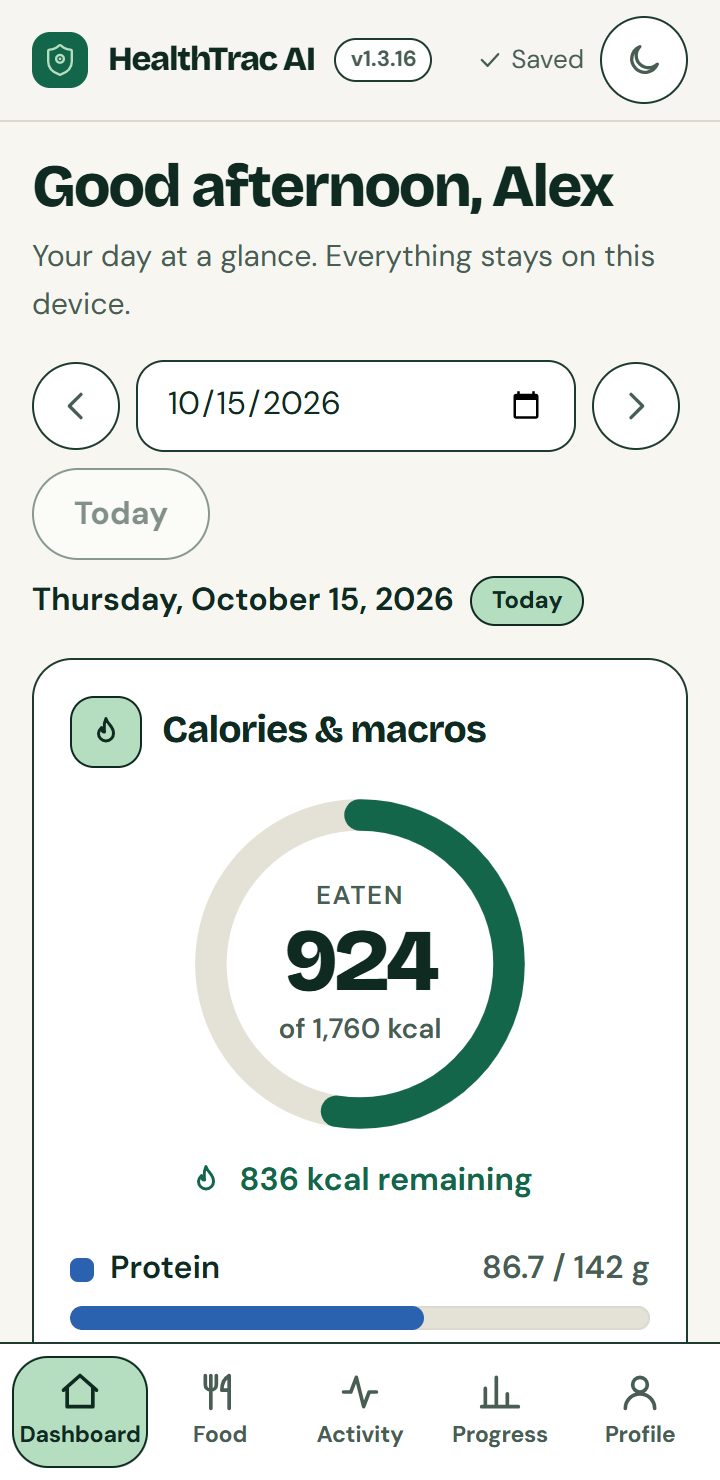
Track your meals, calories, water, workouts and weight, all in one place. With HealthTrac AI, your health records and progress photos stay on your own phone or computer. We don’t collect them. We don’t sell them. You stay in control.
- No account
- No ads
- No tracking by default
- No ads
- No tracking by default
- Works offline
- Export anytime
- Delete in one tap
- No account
A food diary shouldn’t become someone else’s data.
What you eat. What you weigh. How you feel. These are details of your life.
HealthTrac AI stores your health records on your device, away from our servers. There’s no cloud account holding your history and no advertising tracker following your habits.
Your progress belongs to you. So does the data behind it.
Know what’s working. Make your next choice count.
Set daily targets from your details with a standard formula (Mifflin–St Jeor) or enter your own, then log as you go.
-
Make every meal clearer
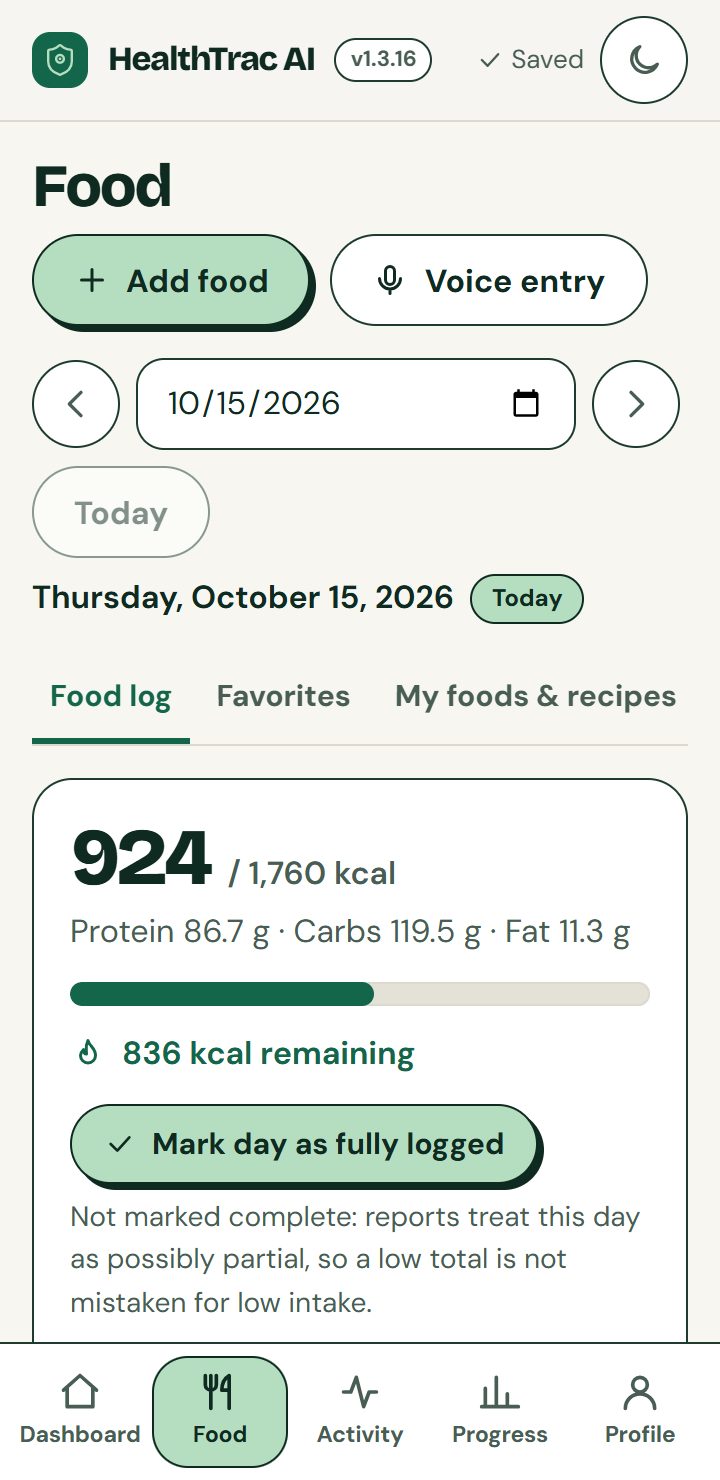
See how your calories, protein, carbs and fat fit your daily targets.
-
Turn small actions into daily habits
Keep water, walks, workouts and routines together.
-
See the bigger picture
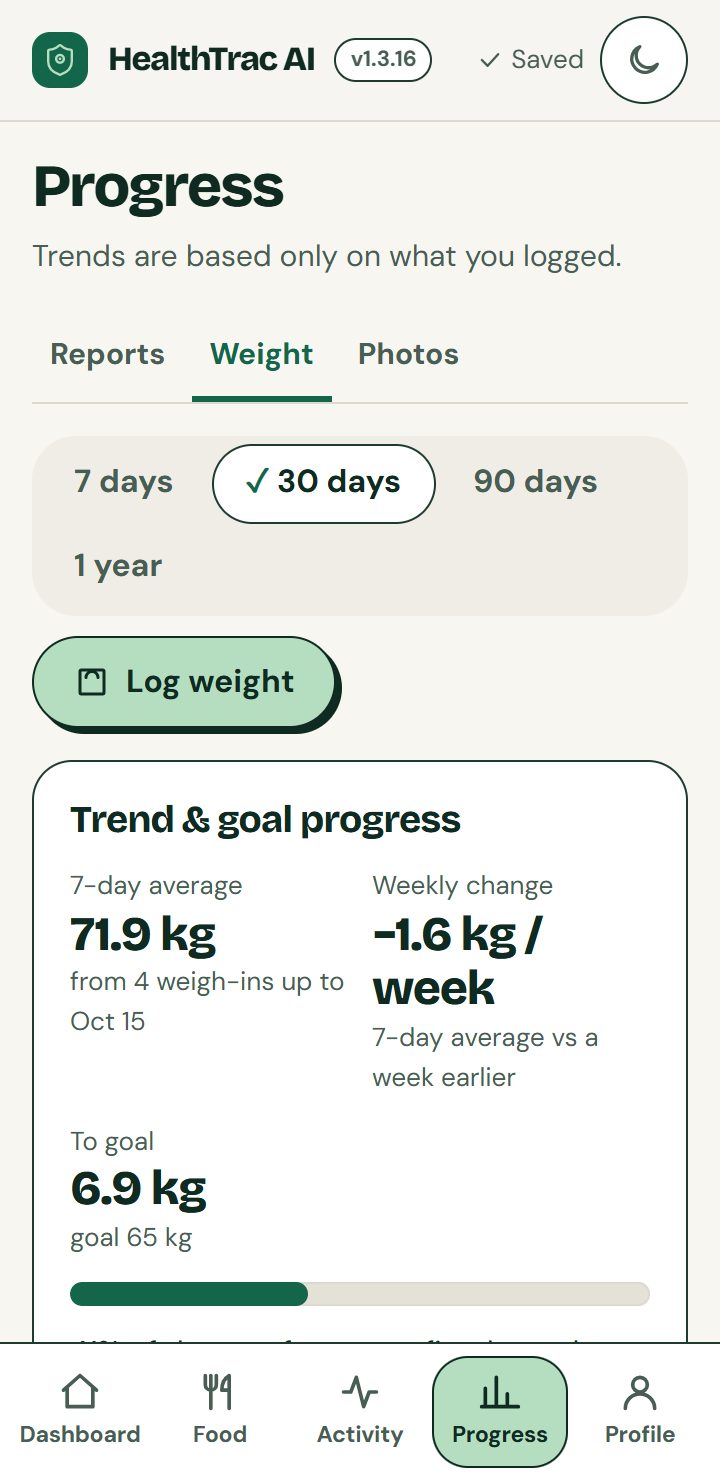
Follow weight trends and weekly reports beyond a single day’s ups and downs.
-
Keep your progress personal
Save dated progress photos that stay on your device, with no uploads and no image analysis.
Your records. Your rules.
Export your data when you want it. Move it when you change devices. Delete it when you choose.
-
Export it
Download a full backup, optionally protected with a password, or a spreadsheet (CSV) file, whenever you want your data.
-
Move it
Changing devices? Restore your backup file on the new one.
-
Delete it
Erase everything with one button. There is no account to close.
Load the app once online, then keep tracking offline. Each device stores its own records; use backup exports to protect your history and move it between devices. Optional voice input may use your browser’s online speech service.
Keep your habits close, wherever your day takes you
Add HealthTrac AI to your home screen for easy access. Load it once online, then keep tracking offline. Optional voice input may still need a connection.
iPhone or iPad
- Open this site in Safari.
- Tap the Share button.
- Choose Add to Home Screen.
Android
- Open this site in Chrome.
- Tap the menu (three dots).
- Choose Install app or Add to Home screen.
Computer
- Open this site in Chrome or Edge.
- Click the install icon in the address bar.
- Or just use it in a browser tab.
A few things to know before you start
Something not answered here? Visit the support page.
Do I need an account?
No. There is nothing to sign up for and no password to remember.
Where is my data stored?
On your own phone or computer, in your browser's or app's storage. Your health records and photos are not uploaded to our servers. If you clear your browser data or lose your device, you will need an exported backup to restore them. The app reminds you to back up.
Do you sell my health data?
No. We do not collect your health records or progress photos, and we do not sell them. There are no advertising trackers. Optional, anonymous usage statistics are off unless you turn them on, and never include anything you enter. Optional voice input may send audio to your browser's speech provider; see our privacy policy for details.
Do you collect usage statistics?
Only if you say yes. The app asks once and works exactly the same if you decline. If you allow it, we count things like "the app was opened" or "a backup was exported" with a random installation ID, never anything you enter, and you can withdraw in Preferences at any time. See our privacy policy.
Can I move to a new phone?
Yes. Export a backup file from Profile & settings, then import it on the new device.
Does it work offline?
Yes, once you have opened it online one time. Voice input is the exception, because your device's speech service needs a connection on some phones.
Is this medical advice?
No. The numbers are general estimates. Please talk to a doctor or registered dietitian before big changes to how you eat or exercise.
Does it use AI?
Not at the moment. A meal you type is read on your device using built-in rules and a bundled food list, and nothing is sent anywhere.
Does it sync between my phone and my computer?
Not automatically. Each device keeps its own data, and you move it with a backup file from Profile & settings.
How accurate are the numbers?
They are estimates. The built-in food list holds rounded values for common foods and says so. For packaged food, enter your own values from the label.
Does it count my steps or connect to a watch?
No. You type in your activity. There is no link to Apple Health, Google Fit or a wearable.
Can I export or delete my data?
Yes, both. Export a full backup or a spreadsheet (CSV) file, and delete everything with one button. You are in control, with no account involved.
What if I lose or reset my phone?
Your records live on the device, so a lost phone means lost data unless you made a backup file. The app reminds you to back up, and you can choose how often.
Is there an Android or iPhone app in the stores?
Not yet. For now you add it to your home screen from the browser (see above) and it works like an app, offline included.
Can I choose my own calorie target?
Yes. Get an estimate from your details (fat loss, muscle gain, maintenance or body recomposition), or type your own numbers.
Who can use it?
HealthTrac AI is for adults aged 18 and over.
Start building better habits, with privacy built in.
Your next meal. Your next walk. Your first step toward understanding your habits. No sign-up standing in your way.